Download Dream11 for World Cup and Cricket Fantasy Sports
Use the verified app route first. After installation, enter only World Cup or cricket matches where you understand the teams, player roles and selection news.
Download Dream11 AppPick the Right App Route for Your Device
Android
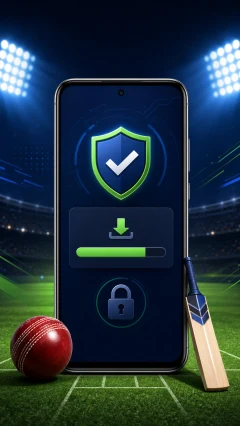
Use the official Android instructions, scan the APK and check permissions before opening it.
DownloadiOS
Use the verified App Store listing when available; if it is unavailable in your region, do not trust random iOS install profiles.
OpenHelp
If the download fails, clear cache, switch network and retry the official route before trying any backup source.
SupportUse the App Around Match Research, Not Hype
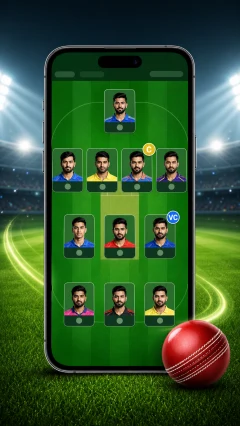
A useful fantasy routine separates match research, team selection and contest entry. Do not let a prize pool or deadline replace your judgement.
Common App and Fantasy Sports Decisions
The download is slow. Should I use a mirror?
Try Wi-Fi, mobile data and a browser cache clear first. A third-party mirror is not worth exposing OTPs or device data.
Android blocked the file. Should I continue?
Continue only if the file came from a verified Dream11 route and the permissions look normal. Otherwise delete it.
A mod APK promises extra features. Use it?
No. Mod APKs can steal login data, break withdrawals and get the account flagged.
Recent Fantasy Sports Questions